

What is Kolaria?
Kolaria has two sides. The sidebar switches between them.GEO
Track how AI engines answer prompts about your category, measure share of voice against competitors, watch AI crawlers and referrals hit your site, score how ready your website is for AI agents, and find the questions you are missing from.
Studio
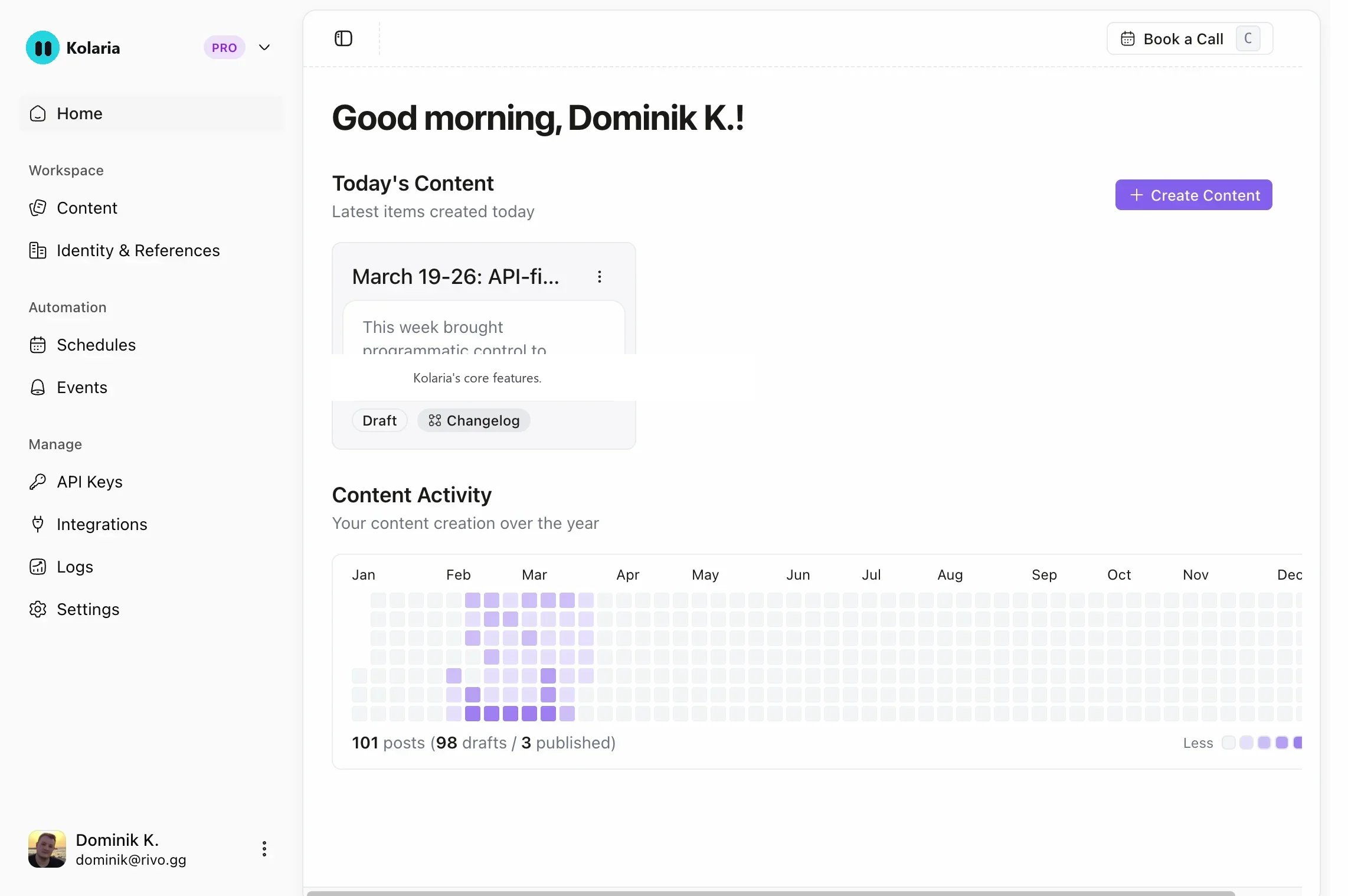
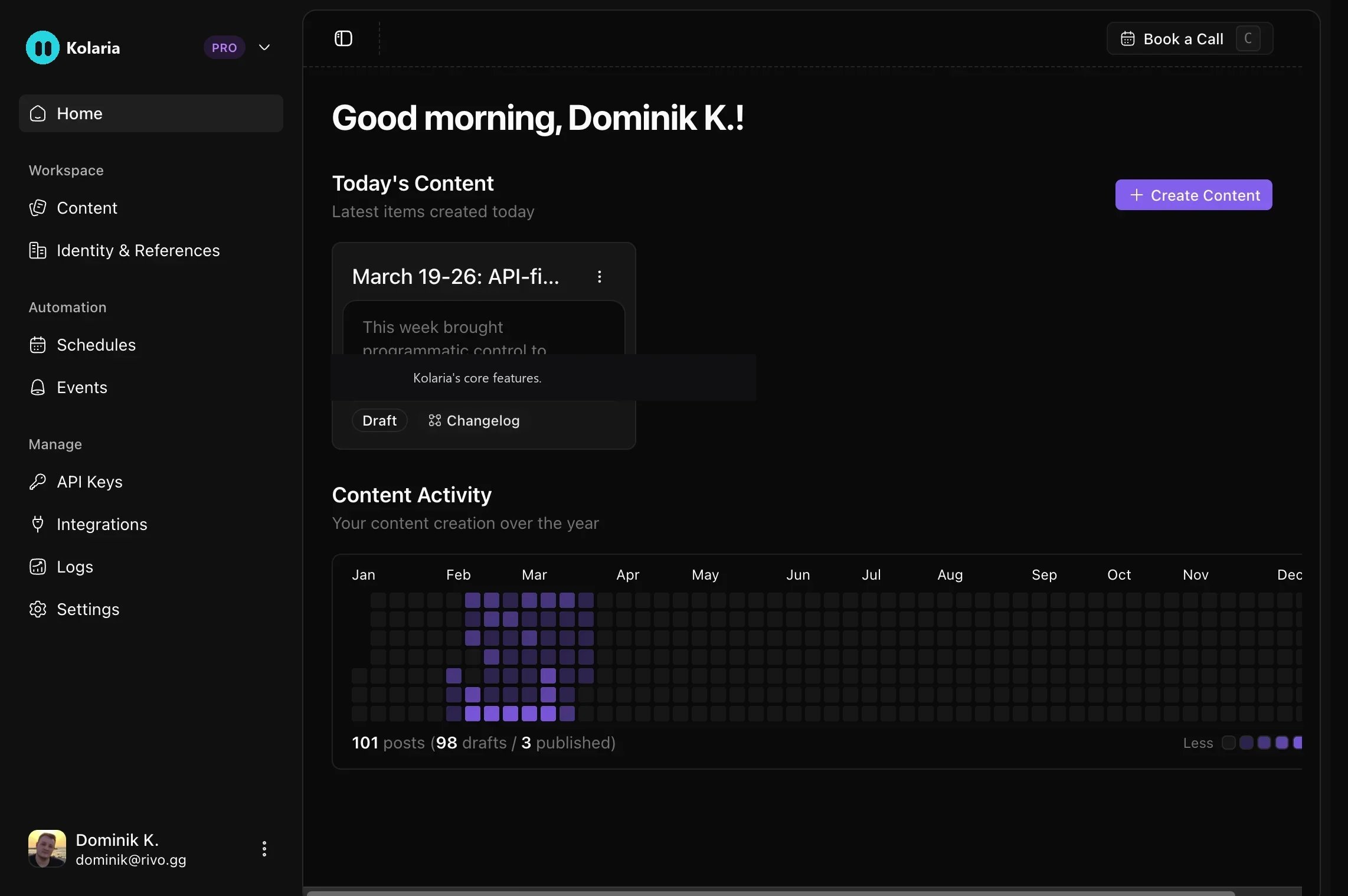
Generate changelogs, blog posts, social posts and images from GitHub, Linear and meeting notes, in your brand voice, on a schedule or when something ships.
app.kolaria.com/{your-slug}. GEO tracking is scoped by projects, so one workspace can track several brands.
Get started
Onboarding takes four steps and ends with your first scan.1
Set up your workspace
Pick a name and slug, and add your website. Kolaria reads the site to pick up your brand voice.
2
See what AI says about you
Kolaria reads your website, suggests your brand name and aliases, and pulls a starter set of prompts your buyers might ask.
3
Pick your competitors
Choose the brands you want to be measured against. Kolaria suggests companies in your field.
4
Choose a plan and run your first scan
Pick a plan, then run a scan from the GEO Overview to see how each engine answers.
Quickstart guide
Walk through onboarding, your first GEO scan, and your first generated post.
GEO
The GEO sidebar has two groups: Visibility and Improve.Visibility
Overview
How AI engines talk about your brand: visibility over time, share of voice per engine, and the Visibility, Prompts and Journeys tabs. Run a scan from here at any time.
Prompts
The questions Kolaria asks AI engines on your behalf. Add prompts, import a CSV, or accept suggestions from your Google Search Console queries.
Competitors
Who AI engines recommend instead of you, split into direct and indirect competitors.
Traffic
AI crawlers and referrals visiting your site, captured by a small ingest package for Next.js, Nuxt, TanStack Start, Astro, SvelteKit or Netlify.
Improve
Content Gaps
Questions engines answer without mentioning you, ranked so you know what to write first.
Agent Readiness
A public scan of how well AI agents can discover, understand and use your website, with a score and a Must do / Should do checklist.
Write
Plan an article from a prompt, type, brand and competitors. Approve the brief and the draft opens in Content.
Settings
Company name and aliases, scan schedule, languages, and the models each prompt runs on.
Studio
Studio is the content side. Its sidebar has Home, Chat (Beta), Content, Analytics and Brand Identity, an Automation group with Iris, Schedules and Events, and a Utility group with Integrations, Skills and API Keys.Integrations
GitHub
Install the Kolaria GitHub App and pick repositories. Pull requests, commits and releases become content.
Linear
Sync issues and updates from Linear for issue context.
Slack
Add the Kolaria agent to your Slack workspace to chat, draft and approve content from threads.
Granola
Pull meeting notes, transcripts and AI summaries from Granola.
Google Search Console
Turn the queries you already rank for into prompt suggestions for GEO tracking.
Framer
Import published content into Framer automatically.
Automation
Iris
Iris watches what you ship and drafts changelogs, blog posts with images and social posts, then asks you on Slack before anything goes live.
Scheduled workflows
Run daily, weekly or monthly generation over a lookback window of up to 30 days.
Event-based triggers
React to GitHub release and push events and generate content when something ships.
Content types
Changelogs
Release notes with a summary, Highlights and categorized More Updates.
Blog posts
Long-form feature announcements and product updates.
Social media
Tweets and LinkedIn posts, publishable to connected X and LinkedIn accounts.
Images
Generated images to accompany posts, with a monthly quota per plan.
Brand identity
Kolaria writes in your voice. A workspace can hold several brand identities (for example Default, Marketing, Technical), and you choose one when generating content.Each identity stores a company name, website, description, tone (Conversational, Professional, Casual or Formal, plus custom tone notes), language, custom instructions, and a description of who you are writing for.
Company Info
The fields above. Kolaria can fill them by analyzing your website.
References
Real posts and writing samples that help the AI match your style.
Sitemap
Track indexed pages and monitor site health for AI discovery.
Brand Guidelines
Logos, colors, typography and landing page screenshots pulled from your site.
What you can build
Weekly AI visibility check
Weekly AI visibility check
Set the scan schedule to Every week in GEO Settings, keep 10 to 20 prompts and your top competitors tracked, and review share of voice on the Overview each Monday. Content Gaps shows which questions to write for next.
Fill a content gap
Fill a content gap
Open Content Gaps, pick a question where competitors are mentioned and you are not, and click Write. Approve the brief, wait for the draft to land in Content, edit it, and publish.
Instant release notes
Instant release notes
Create an event-based trigger for GitHub release events with the Changelog output type. Every published release becomes a draft changelog in your brand voice.
Weekly engineering update
Weekly engineering update
Create a schedule that runs weekly with a last 7 days lookback across your repositories and the Blog post output type. Turn on auto-publish once you trust the output.
Next steps
Quickstart
Onboarding, first scan, first post.
GEO overview
How scans, prompts, engines and share of voice work.
API reference
Read visibility data, manage prompts and competitors, and trigger workflows.
MCP server
Let AI agents manage Kolaria on your behalf.