

Prerequisites
- Access to a Framer project.
- A Kolaria API key with read access to posts (
posts.read). - Posts in Kolaria that you want to import.
Install
Framer Marketplace
Install the official Kolaria plugin from the Framer Marketplace.Inside Framer
- Open your Framer project.
- Open Assets > Plugins.
- Search for
Kolaria. - Click Install.
Connect Kolaria to Framer
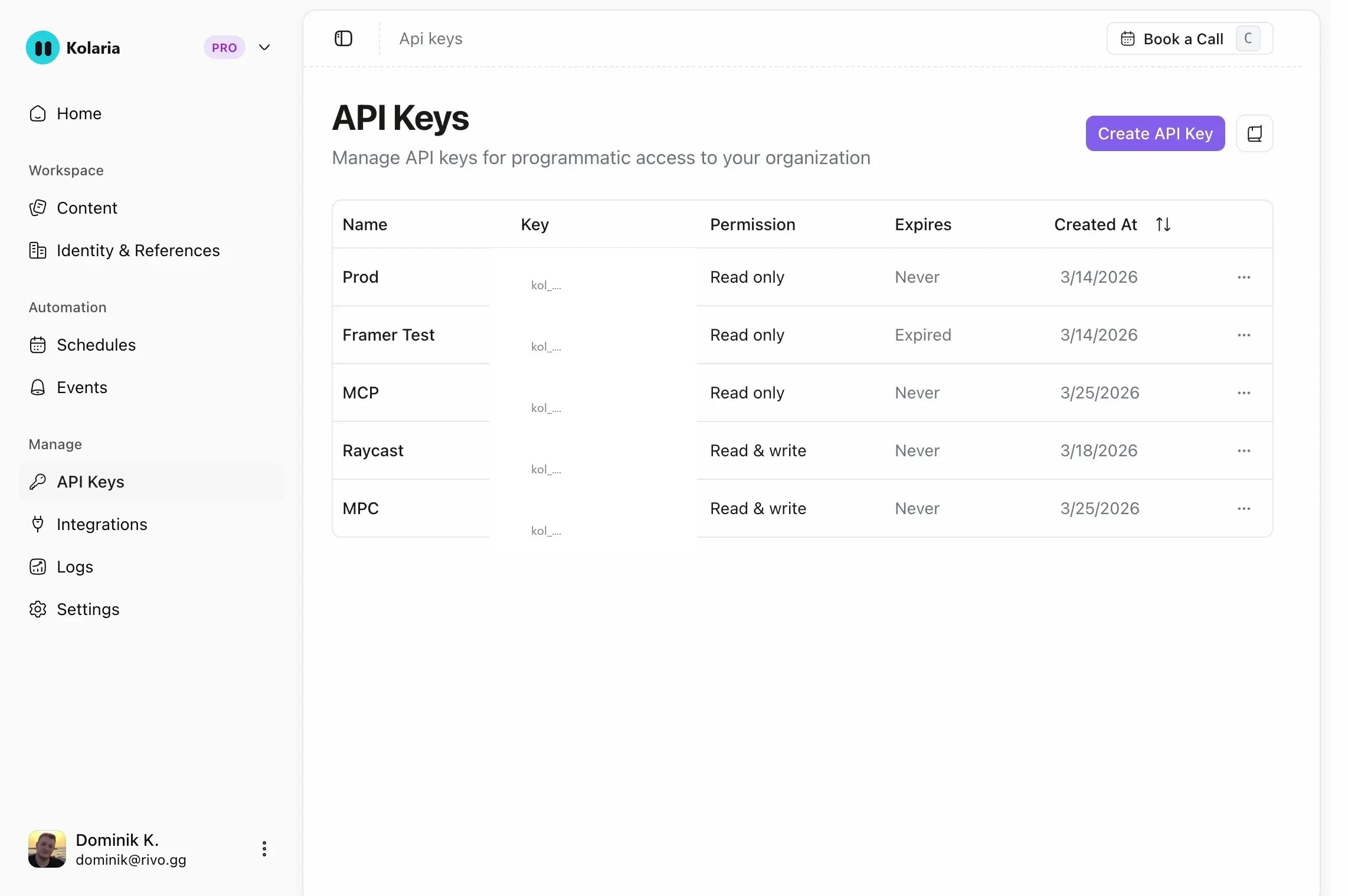
- In the Kolaria dashboard sidebar, open API Keys.
- Create a new key with read-only access to posts.
- Open the Kolaria plugin in Framer.
- Paste your API key when prompted.
- Browse your posts in the plugin and choose which ones to pull into your Framer site.
The plugin only reads from Kolaria. A key with
posts.read is enough; it cannot change anything in your workspace.